Skip to content

Product · Attract

A link and QR codes that lead straight to ordering.

Your storefront has a short address to share anywhere. The app generates your storefront QR code (PNG, SVG and a printable A5/A4 poster) and, for restaurants, table QR codes, a universal QR code and a booking QR code.

QR codes downloadable from your workspace.

How it works

From link to order.

One entry point, whatever the channel.

  1. Choose your addressyour-name.essai.thinqexperience.com, or your own domain.
  2. Spread itInstagram bio, WhatsApp status, message, poster or QR code on the table.
  3. The customer ordersThey land on the right page: storefront, table or booking.
Use cases

A QR code where customers see you.

Counter, table, window or packaging: the scan opens the right page.

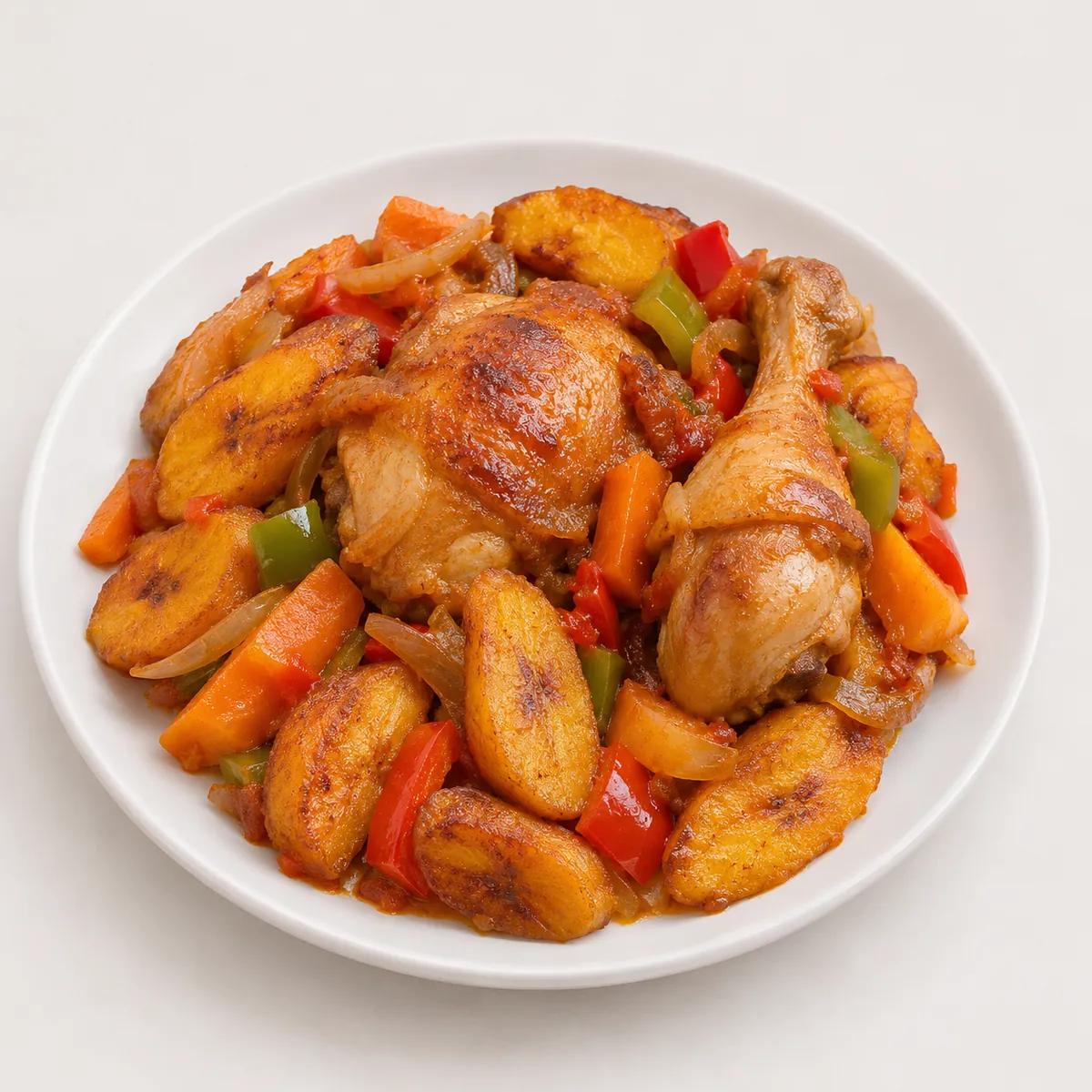
QR code on a restaurant table
Restaurant

One QR per table

Customers scan, order from their table, and the order reaches the kitchen with the table number.

  1. Table QR generated by the app
  2. Dine-in order
  3. Table number on the ticket
Open the demo storefront ›
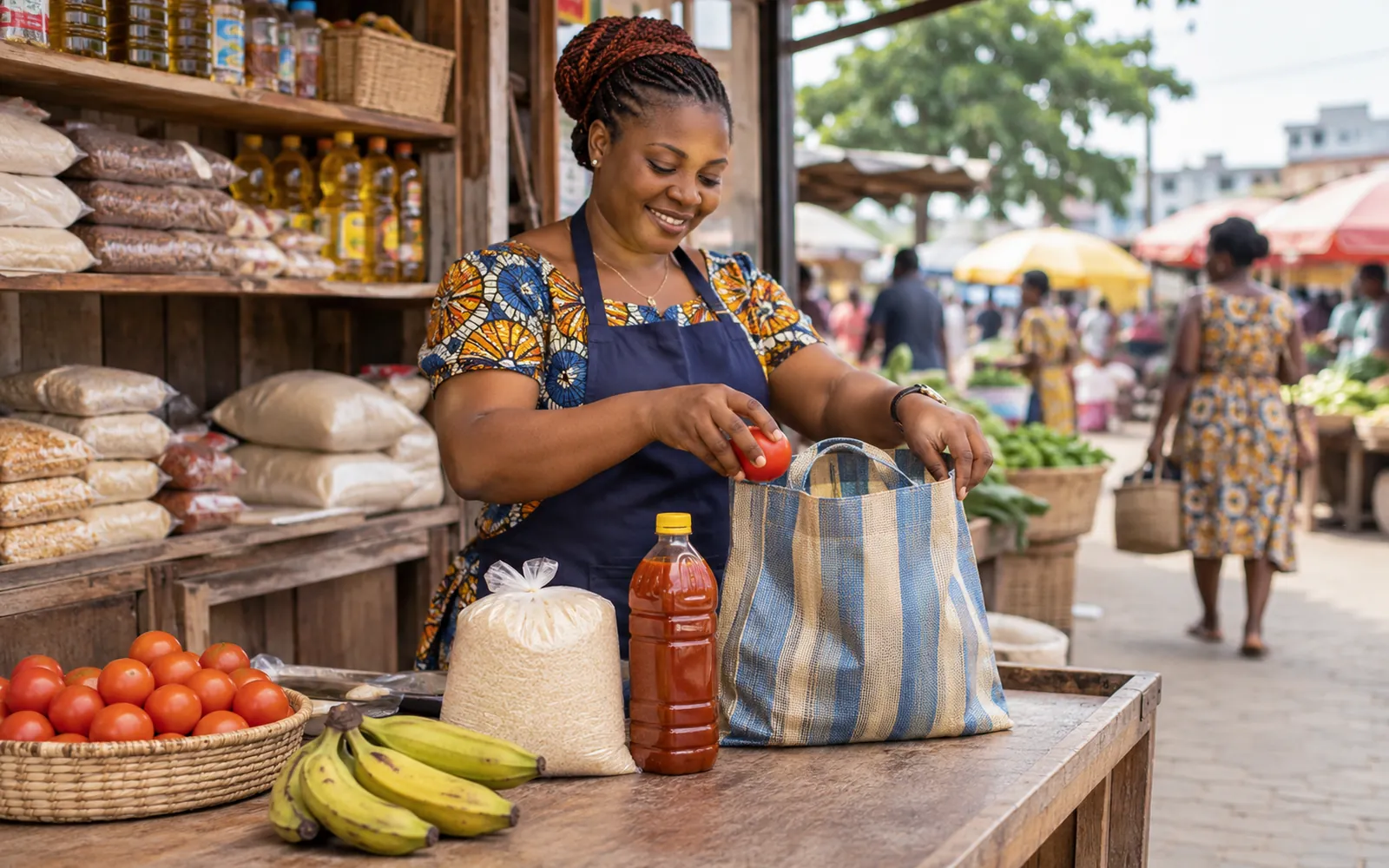
QR code poster at a grocery counter
Grocery

The poster at the counter

An A5 poster by the till: regulars order from home next time, for delivery.

  1. A5 or A4 poster to print
  2. Scan with the camera
  3. Order delivered
Open the demo storefront ›
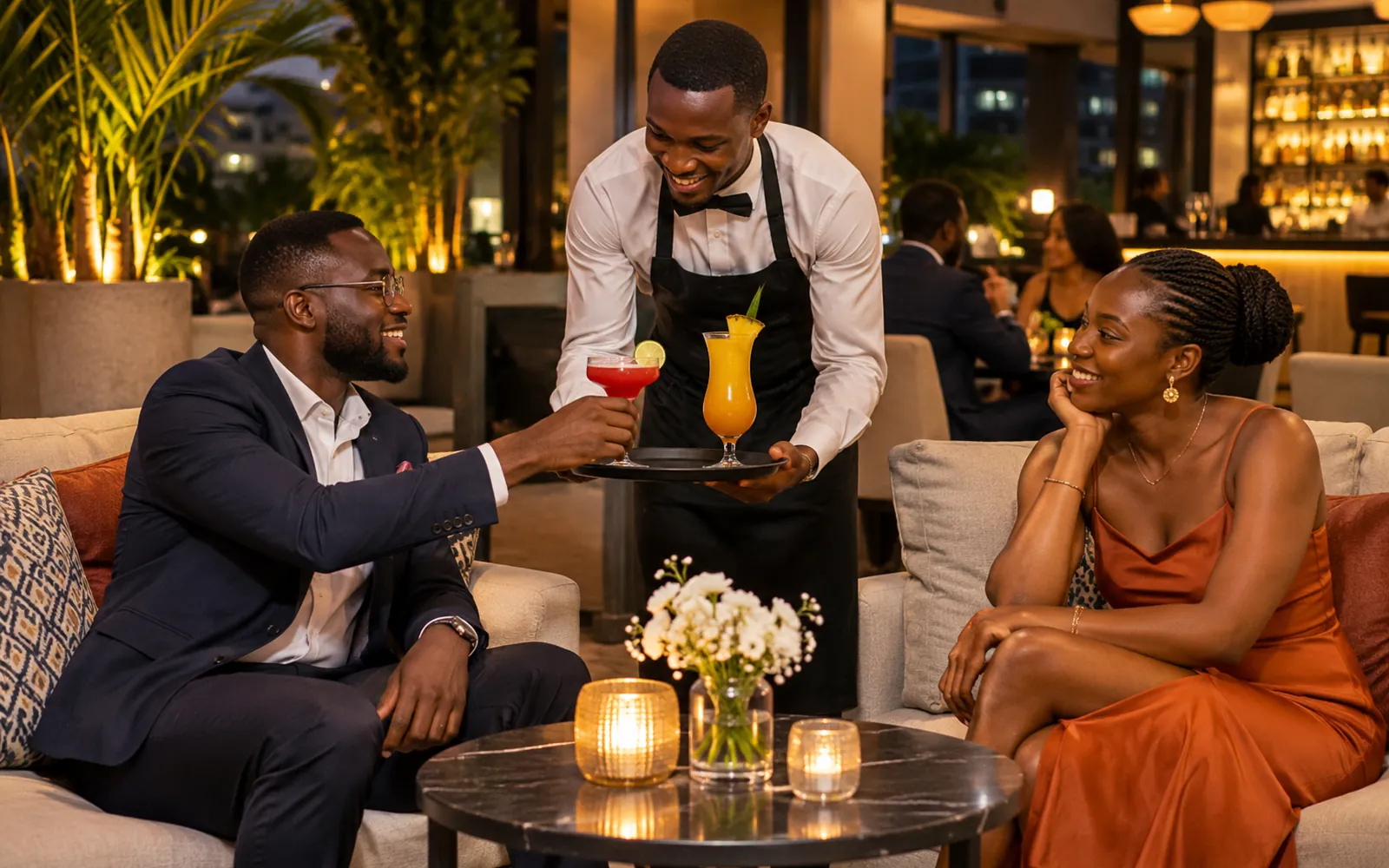
Party flyer with a QR code in a lounge
Bar and lounge

Book from the flyer

The booking QR opens the booking page directly: customers choose their night and area.

  1. Booking QR
  2. Slot chosen
  3. WhatsApp confirmation
Open the demo storefront ›
Before / With ThinqExperience

From a scribbled number to a scan.

WithoutWith ThinqExperience
Sharing the storePhone number to copyShort address and QR code to scan
PrintingPoster to have designedReady A5/A4 poster, PNG and SVG
Table ordersWaiter writing by handTable QR, table number on the order
BookingsCalls during serviceQR that opens the booking page
Benefits

One link to remember.

  • An address in your nameA subdomain included, a custom domain if you have one.
  • Your storefront QR codeRetail, services and restaurants: a QR code to your page, to download or print as a poster.
  • Table QR codesEach table has its QR code: the order arrives with the table number.
  • Universal QR codeOne QR code for the whole venue, when tables are not numbered.
  • Booking QR codeCustomers open the booking page directly and pick a slot.
Available for

Retail, restaurants and services.

The same feature, adapted to your business.

Services

Salons, training and home services.

FAQ

Frequently asked questions

Yes: every storefront, booking page or restaurant site has its QR code, with a printable A5/A4 poster. Table, universal and booking QR codes remain specific to restaurants.

Try ThinqExperience on your business.

Free trial. Our team helps you connect your channels.