
Skip to content

Product · Retain

Customer reviews collected on WhatsApp.

After an order or booking, customers receive a short WhatsApp form: a rating, a comment and photos. They choose whether their review can be published.

Off by default, can be turned on in settings.

Use cases

Reviews that look like your customers.

Rating, comment and photos, published only with the customer’s consent.

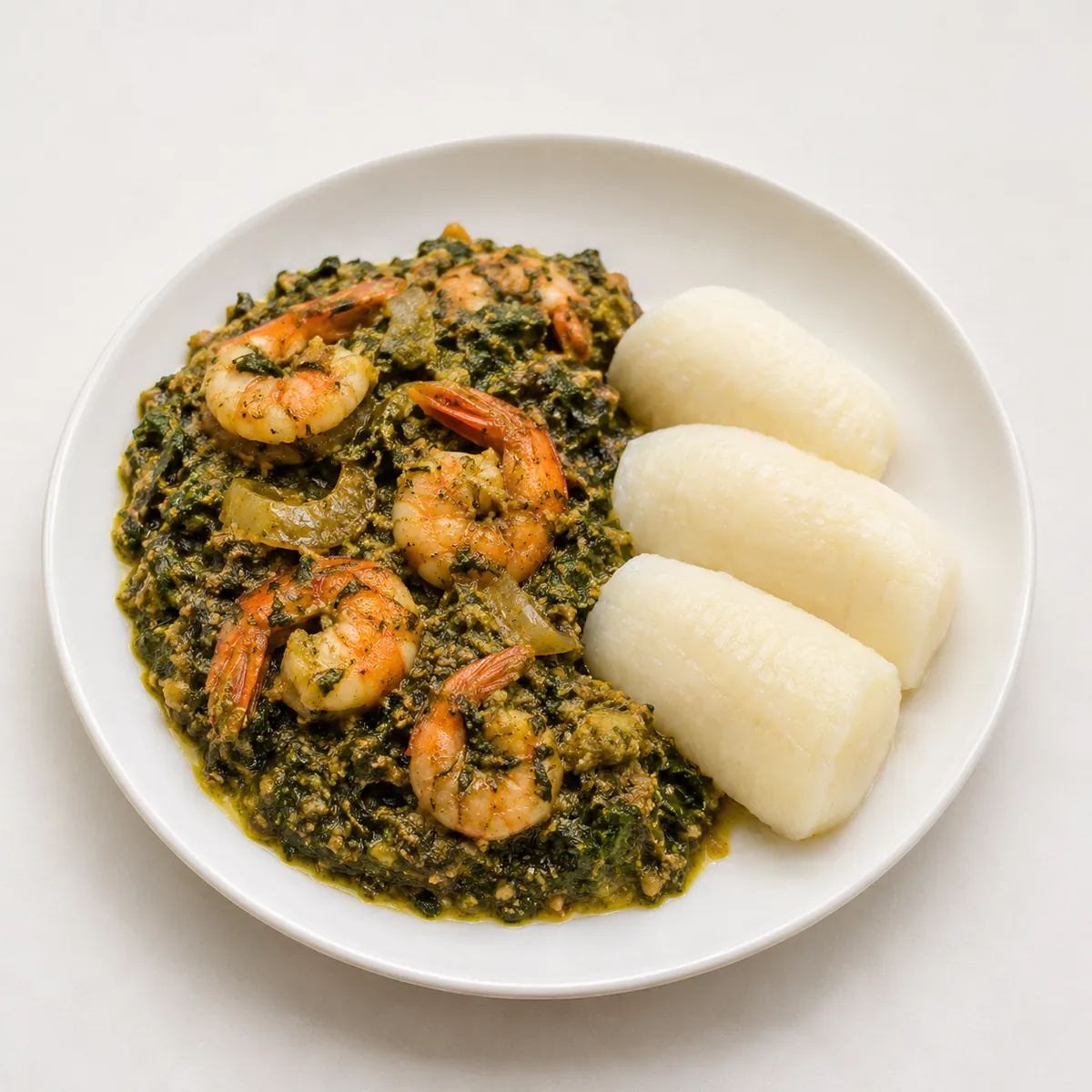
Photo of a dish taken by a customer
Restaurant

The photo of the dish

After delivery, the customer rates the meal and adds a photo of the dish; the review appears on the product page.

  1. Order delivered
  2. WhatsApp form
  3. Review on the dish page
Open the demo storefront ›
Customer holding a new smartphone
Electronics

Trust before buying

Reviews on a smartphone or earbuds reassure hesitant customers.

  1. Purchase completed
  2. Rating and comment
  3. Review published
Open the demo storefront ›
Braids done at the salon
Beauty salon

The result in pictures

After the service, the customer shares a photo of her braids if she wishes.

  1. Appointment completed
  2. Photo of the result
  3. Publication accepted
Open the demo storefront ›
How it works

Ask, receive, publish.

A short form, inside the conversation.

  1. Turn on reviewsFor orders and bookings.
  2. The customer repliesRating, comment and photos, without leaving WhatsApp.
  3. You publishAccepted reviews show on the storefront.
Benefits

Proof from your customers.

WhatsApp form

A few seconds to reply.

Photos

Customers can attach their photos.

Consent

A review is only published if the customer agrees.

On the storefront

Reviews shown on product pages.

Available for

Retail, restaurants and services.

The same feature, adapted to your business.

FAQ

Frequently asked questions

No, they are off by default. Turn them on in settings.

Try ThinqExperience on your business.

Free trial. Our team helps you connect your channels.